
Tiiny Host Alternative for AI-generated HTML previews
Compare PreviewShip as a Tiiny Host alternative for uploading HTML, pasting generated pages, deploying static ZIPs, and sharing fixed preview URLs.
Answer First
PreviewShip is a Tiiny Host alternative when your main job is turning AI-generated HTML, a single .html file, or a built static frontend artifact into a shareable preview URL. Tiiny Host is broader general static publishing; PreviewShip is narrower and more agent-native with MCP, CLI JSON output, editor deploys, paste HTML, and explicit build-output guidance.
Deploy build artifacts, not source-code zips.
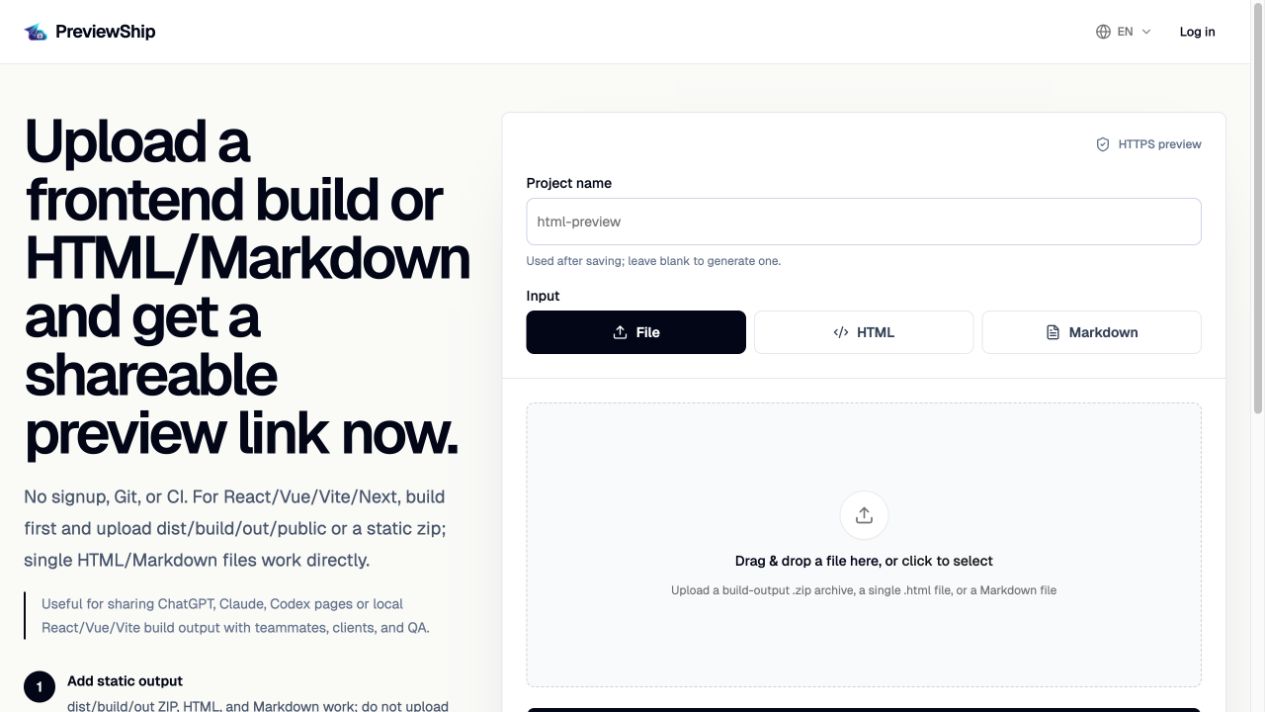
If you upload a zip, build the project first and zip the static output folder such as dist, build, out, or public with index.html and assets. Do not zip raw React/Vue/Next source folders with package.json and node_modules. Single .html, .md/.markdown, and .pdf files are supported directly by console upload, CLI, MCP, and the VS Code/Cursor extension.
Key takeaways
Recommended workflow
If you have one HTML file, upload it, paste it, or deploy it with CLI/MCP as ./page.html or ./README.md.
If you have a framework project, run the build command first.
Upload dist, build, out, public, or a zip containing index.html and browser assets.
Copy the PreviewShip URL and share it with teammates, clients, QA, or reviewers.
Comparison snapshot
When PreviewShip is the better Tiiny Host alternative
PreviewShip fits best when the artifact already exists and the next step is review. That artifact might be a Claude HTML report, a ChatGPT-generated landing page, a Cursor prototype, a Vite dist folder, or a static export that needs a public URL quickly.
The difference is workflow depth. PreviewShip treats browser upload, paste HTML, CLI, MCP, VS Code, Cursor, and API-key based agent workflows as first-class ways to publish the same static artifact.
When Tiiny Host may still be a better fit
Tiiny Host is a mature general-purpose static publishing tool with broad pages for website uploads, files, PDFs, QR sharing, and many generic hosting intents. If your primary need is broad website/file publishing, it may be the more familiar option.
PreviewShip intentionally positions around a narrower job: generated HTML and static preview artifacts in, public review URL out.
What to upload instead of source code
For one standalone HTML document, upload the .html or Markdown file directly or paste the full HTML source. For multi-file websites, upload a built output folder or zip with index.html and assets.
For React, Vue, Next, Astro, Svelte, or Vite projects, run the build command first. Do not upload raw folders containing package.json, src, node_modules, and unbuilt source files.
Official sources
Product and workflow facts were verified against these official pages on 2026-07-10.
FAQ
Is PreviewShip a Tiiny Host alternative?
Yes, especially for AI-generated HTML, standalone .html files, build-output zips, frontend review links, CLI deploys, MCP deploys, and editor-based publishing.
Does PreviewShip replace Tiiny Host for every static website use case?
Not every use case. Tiiny Host is broader general static publishing. PreviewShip is more focused on preview deployment, AI HTML, and agent/editor workflows.
Can I upload a single HTML/Markdown file?
Yes. Upload the .html or Markdown file, paste the HTML source, deploy it with CLI/MCP, or use the VS Code/Cursor extension active HTML deploy command.
Can I upload a source-code zip?
No. Build the project first and upload the generated static output such as dist, build, out, public, or a zip containing index.html and assets.