
HTML Pub / htmlpub alternative for live HTML URLs
Looking for htmlpub? PreviewShip lets you paste or upload HTML and get a shareable HTTPS URL, with CLI, MCP, Markdown, and preview history support.
Answer First
PreviewShip is an HTML Pub / htmlpub alternative when the job is simple: publish HTML online, paste HTML, upload a browser-ready file, or turn static output into a live URL. HTML Pub is closer to an AI website builder. PreviewShip stays focused on the preview workflow: HTML, Markdown, static folders, CLI, MCP, VS Code, Cursor, fixed project links, and review URLs.
Deploy build artifacts, not source-code zips.
If you upload a zip, build the project first and zip the static output folder such as dist, build, out, or public with index.html and assets. Do not zip raw React/Vue/Next source folders with package.json and node_modules. Single .html, .md/.markdown, and .pdf files are supported directly by console upload, CLI, MCP, and the VS Code/Cursor extension.
Key takeaways
Comparison snapshot
When PreviewShip is the better HTML Pub alternative
Choose PreviewShip when you already have a browser-ready artifact and need a review URL quickly. That artifact can be a single .html file, pasted HTML source, Markdown, or a static build-output folder from React, Vue, Vite, Next static export, Astro, Svelte, or plain HTML/CSS/JS.
This is the same practical intent behind many HTML Pub and htmlpub searches: publish the HTML, get a live link, send it to someone, and update the same preview later when the artifact changes.
Where HTML Pub is still the better fit
If you want an AI website builder that expands into forms, checkout, blogs, analytics, and custom-domain website publishing, HTML Pub is closer to that product category.
PreviewShip intentionally stays narrower. It is for static preview sharing, AI-generated HTML review, Markdown previews, and developer or agent handoff workflows.
What to upload or paste
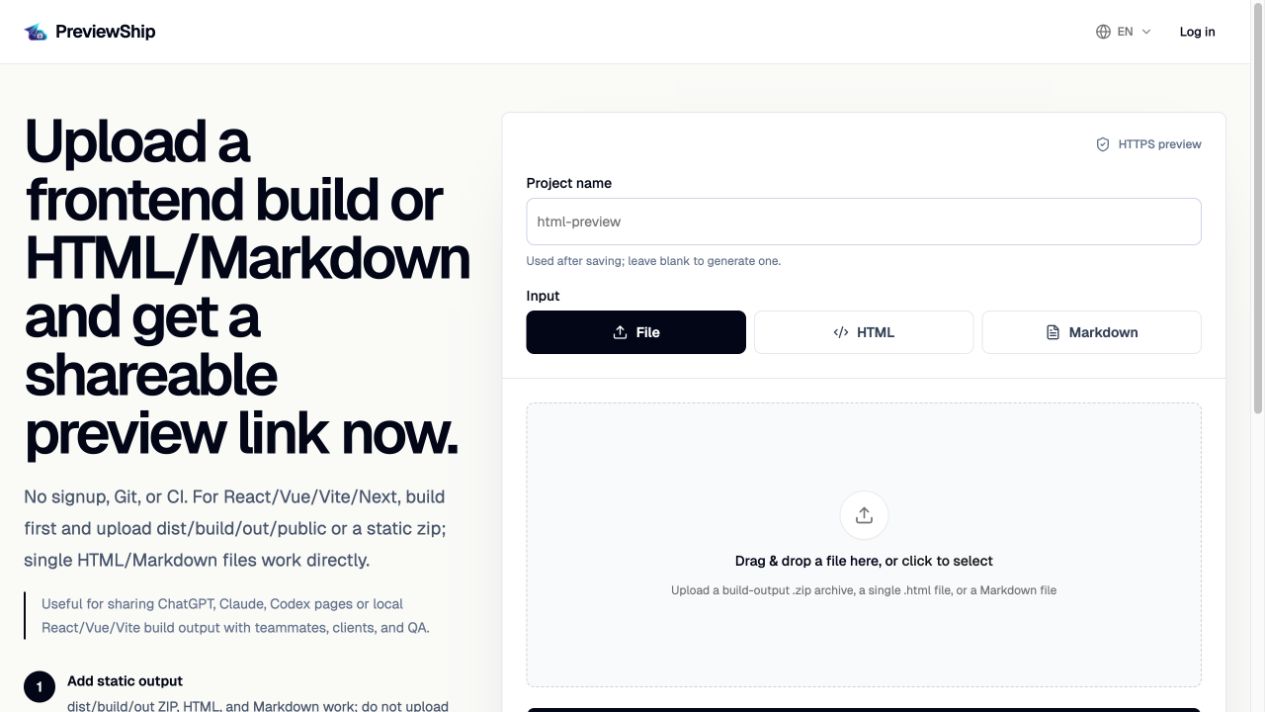
For one-page artifacts, upload the .html file or paste the full HTML document. For Markdown reports, upload or paste Markdown. For multi-file pages, upload a static folder or zip that includes index.html and its assets.
PreviewShip does not build source projects after upload. If the project uses React, Vue, Next, Astro, Svelte, or another framework, run the build first and deploy the generated browser-ready output.
Official sources
Product and workflow facts were verified against these official pages on 2026-07-10.
FAQ
Is PreviewShip an HTML Pub alternative?
Yes. It is an HTML Pub alternative when you need to publish HTML, paste HTML, upload one HTML file, or share static preview output as a live HTTPS URL.
What is the difference between PreviewShip and HTML Pub?
PreviewShip focuses on preview links for HTML, Markdown, static build output, CLI, MCP, and editor workflows. HTML Pub is closer to a broader AI website builder and publishing product.
Can I paste HTML and get a URL?
Yes. PreviewShip supports pasted HTML in the console, direct .html uploads, and CLI/MCP deploys for HTML files.
Can I use PreviewShip for htmlpub-style AI HTML output?
Yes. Save the AI-generated HTML as a complete .html file, paste the source, or deploy it through CLI/MCP to get a public preview URL.
Does PreviewShip replace a full website builder?
No. PreviewShip is optimized for review links and static previews, not for running a full CMS, backend, ecommerce system, or production website builder.