
HTML file hosting for single pages, AI artifacts, and reports
HTML file hosting for single pages, AI artifacts, reports, and static previews. Upload .html, paste HTML, or deploy with CLI/MCP and share a HTTPS URL.
Answer First
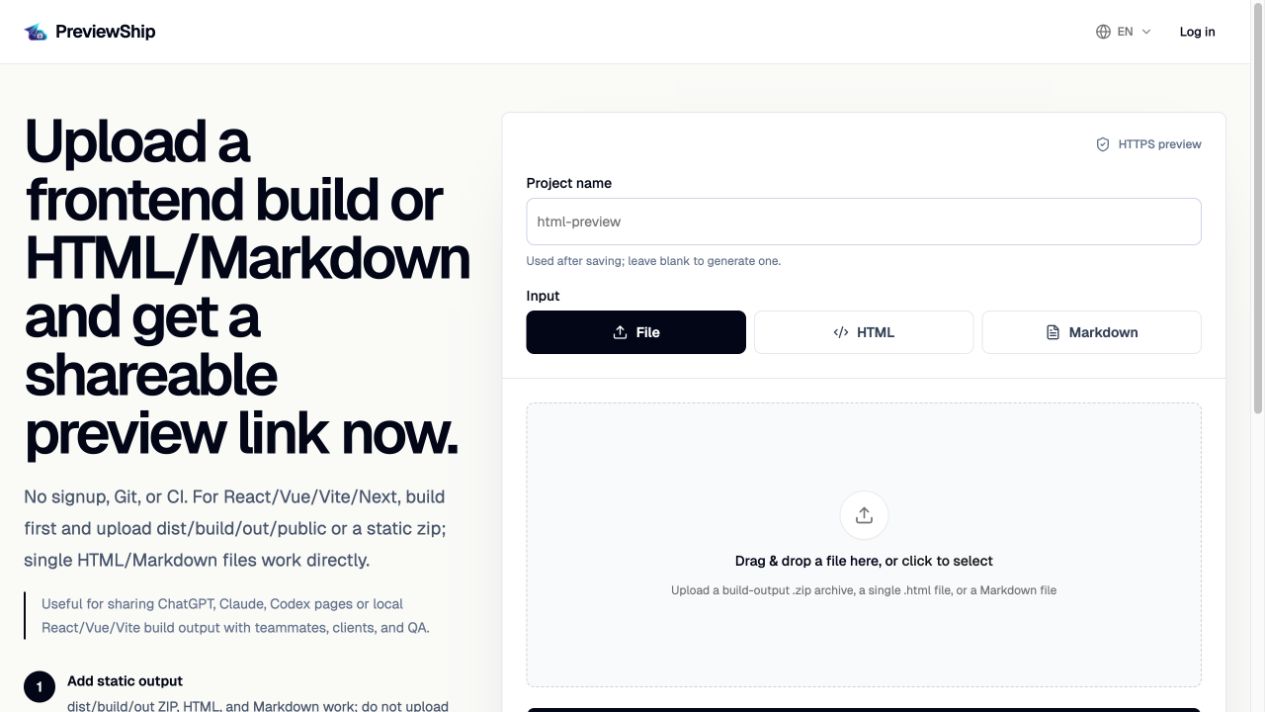
HTML file hosting means putting a browser-ready .html file online so anyone with the link can open it. PreviewShip hosts single HTML or Markdown files by turning uploaded, pasted, editor-deployed, CLI-deployed, or MCP-deployed content into a static preview served at a public HTTPS URL.
Deploy build artifacts, not source-code zips.
If you upload a zip, build the project first and zip the static output folder such as dist, build, out, or public with index.html and assets. Do not zip raw React/Vue/Next source folders with package.json and node_modules. Single .html, .md/.markdown, and .pdf files are supported directly by console upload, CLI, MCP, and the VS Code/Cursor extension.
Key takeaways
Recommended workflow
Prepare a complete .html document or a static folder that includes index.html.
Deploy through the PreviewShip console, CLI, MCP, or editor extension.
PreviewShip serves the file as a static preview with HTTPS.
Send the generated URL to teammates, clients, or QA reviewers.
Comparison snapshot
When HTML file hosting is enough
If your page is already a complete HTML document, you do not need a full web application deployment pipeline. You need a public URL that opens the page in a browser.
That is common for AI-generated pages, exported reports, quick landing page concepts, HTML email previews, calculators, games, and data visualizations.
HTML hosting for AI-generated pages
AI tools often produce standalone HTML for dashboards, sales pages, reports, demos, and prototypes. Those artifacts are valuable only after someone can open them as a live page.
PreviewShip gives those one-off HTML pages a hosting path without turning every artifact into a production website project.
How assets work
A single HTML/Markdown file can include inline CSS and JavaScript. If it references local files, deploy a folder or zip that includes those assets and an index.html entry point.
PreviewShip does not run a build process after upload. Framework projects should be built before deployment.
FAQ
What is HTML file hosting?
HTML file hosting is the process of serving a .html file from a public URL so other people can open it in a browser.
Is HTML file hosting different from a full web host?
For PreviewShip, yes. The product is optimized for preview sharing and browser-ready static artifacts, not for running backend servers or replacing a full production hosting platform.
Can PreviewShip host a single HTML/Markdown file?
Yes. Upload a .html file, paste HTML source, or deploy a file path such as ./page.html or ./README.md from CLI, MCP, VS Code, or Cursor.
Can hosted HTML include CSS and JavaScript?
Yes. Inline CSS and JavaScript work inside the HTML or Markdown file. Local assets should be included in a static output folder or zip.