
Use a Netlify Drop alternative for one HTML file, ZIP, or dist folder
Upload one HTML file, paste HTML, or deploy a ZIP/dist folder and get a fixed preview URL without Git. A practical Netlify Drop alternative for static previews.
Answer First
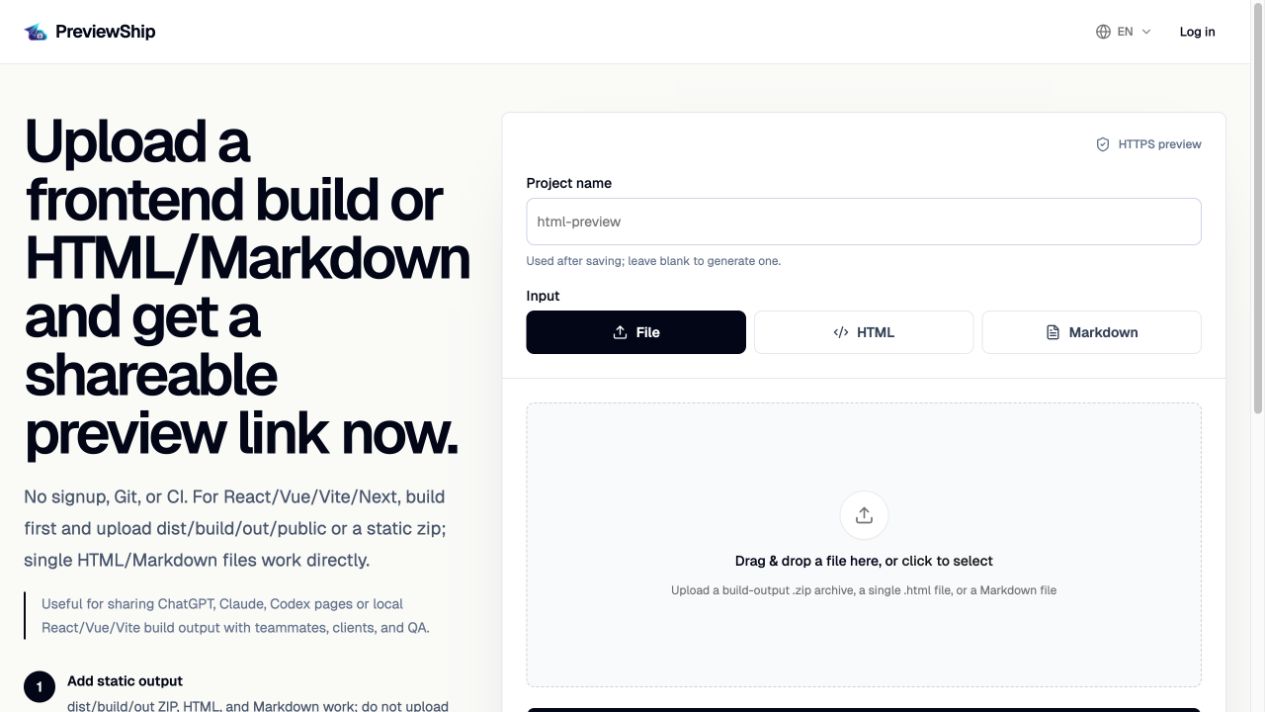
PreviewShip is not the official Netlify Drop page. It is a focused Netlify Drop alternative when the job is to publish a browser-ready static artifact: one HTML file, pasted HTML, a ZIP with index.html and assets, or a built dist/build/out folder. Instead of setting up a production hosting workflow, you get a fixed HTTPS preview URL that can be shared with teammates, clients, AI agents, or review tools.
Deploy build artifacts, not source-code zips.
If you upload a zip, build the project first and zip the static output folder such as dist, build, out, or public with index.html and assets. Do not zip raw React/Vue/Next source folders with package.json and node_modules. Single .html, .md/.markdown, and .pdf files are supported directly by console upload, CLI, MCP, and the VS Code/Cursor extension.
Key takeaways
Recommended workflow
Decide whether you have one .html file, pasted HTML, a static ZIP, or a built dist/build/out folder.
If the artifact is source code with package.json and src, run the framework build first.
Upload the .html file, paste the HTML, or deploy the static folder/ZIP with PreviewShip.
Share the returned HTTPS preview URL and redeploy later changes to the same project when the review continues.
Comparison snapshot
Netlify Drop alternative for small static previews
Netlify Drop is useful when you want to drop a static site into Netlify. But many searches for Netlify Drop alternative are really about a smaller workflow: upload one HTML file, share an AI-generated HTML page, or send a quick static preview link.
PreviewShip keeps that workflow narrow. The artifact is already browser-ready, so the next step is not a hosting project. The next step is a stable preview URL that someone else can open.
What can be uploaded
Upload one .html file, paste a full HTML document, or deploy a ZIP/folder that already contains index.html and the assets it references. Markdown files are also supported when the artifact is a report or spec.
For React, Vue, Vite, Next static export, Astro, Svelte, or similar frameworks, build first and upload the generated dist, build, out, or public folder. PreviewShip does not run package installation or builds after upload.
When Netlify is still the better choice
Choose Netlify when the thing you are publishing is a production site with custom domains, redirects, serverless functions, Git-based deploys, environment variables, and long-term site operations.
Choose PreviewShip when the thing you need is a reviewable static artifact: an AI-generated page, one-off dashboard, prototype, report, or frontend build preview.
Official sources
Product and workflow facts were verified against these official pages on 2026-07-10.
FAQ
Is PreviewShip the official Netlify Drop page?
No. PreviewShip is an independent static preview tool. This page explains when it can be used as a Netlify Drop alternative for HTML files, ZIPs, and built static folders.
Can I upload one HTML file instead of using Netlify Drop?
Yes. Upload the .html file or paste the HTML into PreviewShip, then share the returned public HTTPS preview URL.
Can I upload a ZIP like Netlify Drop?
Yes, if the ZIP is already a browser-ready static artifact and contains index.html plus any referenced assets. Do not upload raw source code expecting PreviewShip to run a build.
Can I deploy dist, build, or out folders?
Yes. Build the app first, then deploy the generated static output folder such as dist, build, out, public, or a static export folder.
Which is better for AI-generated HTML?
PreviewShip is usually a better fit for AI-generated HTML review because it supports upload, paste, CLI, MCP, VS Code, Cursor, fixed project URLs, and lightweight handoffs.