
Free static website hosting for HTML and ZIP previews
Host an HTML file online free or upload a browser-ready ZIP to get a public HTTPS preview URL. No Git, FTP, DNS, or server setup required.
Answer First
Host an HTML file online free with PreviewShip, or upload a browser-ready ZIP or static build to get a public HTTPS preview URL. Free currently includes one project, five deploys per day, twenty per month, a 15 MiB upload limit, three-day preview retention, three retained versions, and the PreviewShip watermark. Use it for demos, QA, client review, and AI artifacts—not as a substitute for production hosting with custom domains, backend services, or durable releases.
Deploy build artifacts, not source-code zips.
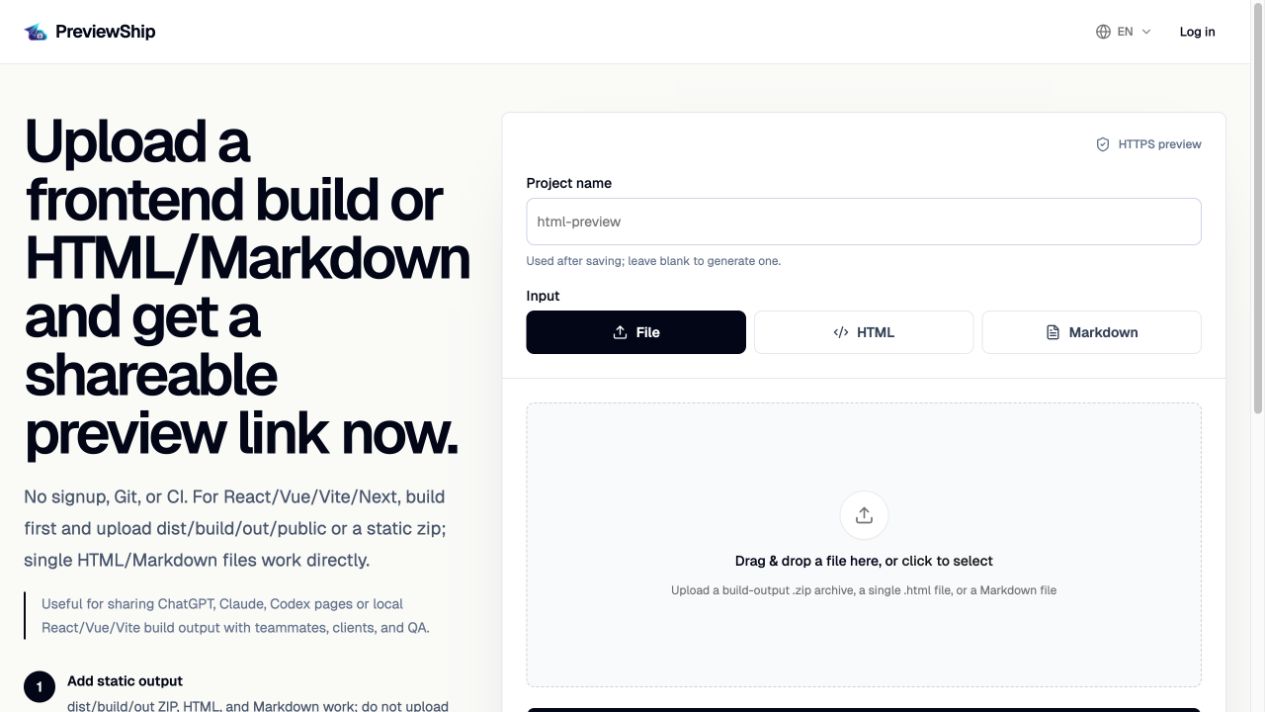
If you upload a zip, build the project first and zip the static output folder such as dist, build, out, or public with index.html and assets. Do not zip raw React/Vue/Next source folders with package.json and node_modules. Single .html, .md/.markdown, and .pdf files are supported directly by console upload, CLI, MCP, and the VS Code/Cursor extension.
Key takeaways
Recommended workflow
Build the frontend project if it uses a framework.
Confirm the output folder contains index.html and the referenced assets.
Deploy with console upload, CLI, MCP, VS Code, or Cursor.
Share the generated URL as a review link.
Comparison snapshot
Preview hosting vs production hosting
Use preview hosting when the deliverable is a browser-ready artifact that needs a fast review, approval, QA, or AI-agent handoff URL. The goal is to remove deployment setup from a temporary feedback loop.
Choose a production static host when the website needs a custom domain, durable public availability, Git-connected releases, traffic operations, server-side features, or a broader hosting platform. PreviewShip intentionally stays focused on static preview links.
What the Free plan includes
The current Free plan keeps one project, allows five deploys per day and twenty per month, accepts uploads up to 15 MiB, retains three rollback-capable versions, and expires previews after three days. Free preview pages include the PreviewShip watermark.
The no-signup /try flow is a separate 24-hour guest preview. Registering can claim that project when account limits allow. Users who need longer retention, more projects, password access, or watermark removal should compare the paid plans instead of treating Free as permanent hosting.
What to upload
Upload build output, not source code. A correct zip usually contains index.html, assets, CSS, JavaScript, images, fonts, and other browser-ready files.
A raw project folder with package.json, src, and node_modules needs to be built first. PreviewShip does not run npm install or framework build commands after upload.
Official sources
Product and workflow facts were verified against these official pages on 2026-08-31.
FAQ
Can I host a static website for free?
Yes, for lightweight preview workflows. The current Free plan keeps one project, supports five deploys per day and twenty per month, accepts files up to 15 MiB, retains three versions, expires previews after three days, and includes the PreviewShip watermark.
Can I host an HTML file online free?
Yes. Upload a self-contained HTML file directly and PreviewShip returns a public HTTPS preview URL. If the page uses local CSS, JavaScript, images, or fonts, keep those assets with index.html in a browser-ready ZIP.
What file formats can a static preview contain?
A static preview can contain HTML, CSS, JavaScript, images, fonts, and other browser-ready assets referenced by the deployed HTML.
Can I deploy a React or Vue app?
Yes, after building it. Deploy the generated static output folder such as dist, build, or out, not the raw source folder.
Should I use PreviewShip for a permanent production website?
Not for that job. Use PreviewShip for previews, demos, reviews, and AI-generated artifacts. Choose a production platform when you need durable public hosting, custom domains, backend services, or release operations.